Create Authoring: Using Hotkeys to select and manipulate large timelines

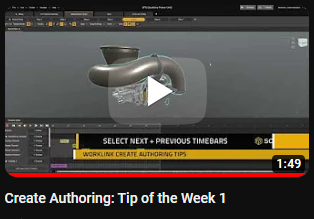
Sometimes an author will need to shift a collection of timebars in a timeline to accommodate an additional item. This task can be done easily using the hotkey for "Select Next Timebars" and also "Select Previous Timebars". These 2 functions will select all timebars that are either before or after the current time of the timeline.
These shortcuts will save lots of time when selecting a large number of timebars making it quick and easy to make edits to existing projects!
The default assignment for the "Select Next Timebars" hotkey is "Shift plus the period key".
The default assignment for the "Select Previous Timebars" hotkey is "Shift plus the comma key".
You can view and remap any available keys under the "Keyboard shortcuts > Timeline" section in the preferences settings. Be sure to check out the other hotkeys for lots of time saving shortcuts!
-
Great tip!
0 -

This is nice to know. I really appreciate the video because by name alone I would not have guessed how it functioned. Thank you, Jared.
0

Please sign in to leave a comment.
Comments
2 comments