Create Authoring: How to Automate Your User Interface Workflow!

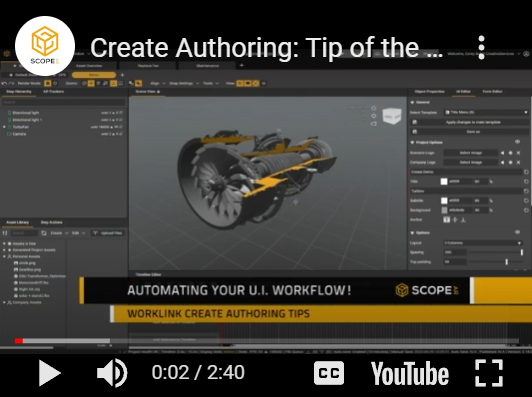
Today we’re going to be covering how to automate User Interface, or UI elements with text variables and templates
As a general rule of thumb, we like to think of a Worklink project as a book, with sequences being the chapters, steps acting as the pages and UI displaying the text on each page of each chapter.
Often Authors are faced with the need to repeat this key information multiple times throughout a given project or set of projects. These elements tend be the most useful reference for users to get a grasp of key information including what system they are working on and how long the process should take to complete.
To expedite this process, authors can take advantage of Worklink’s built in text variables. By typing # into any text field, authors gain access to dynamic text options for inserting the names of steps, number of steps, number of total steps, names of sequences or even the name of the project. These variables can be combined in-line to create responsive UI elements like (Step #StepNumber of #StepTotal) which will display Step 1 of 1 and will automatically update for each additional step you add onto your sequence.
The functionality of these tools is multiplied when combined with Worklink’s UI import tool. Now authors are able to import materials and UI templates from any of their published work, helping to create a unified experience across all their designs!
Please sign in to leave a comment.
Comments
0 comments