Create Authoring: Using Actions to Navigate to Different Scenarios

When authoring in Create, actions can become a very power and very handy tool to learn and utilize.
The action of jumping between different scenarios can be very useful for many reasons. Whether you need separate scenarios with deferring localizations that you'd like to jump to from one master project or if a project is simply too cumbersome to handle within one scenario, adding the ability to jump between them can be the key to success.
Linking another scenario is simple!
In the object properties of any scene object, add the an action.
Change the action type to "Scenario Link"
Keep the Mode as "Online" or change to "Offline" if neeeded
Now simply click "Select Scenario" and the scenario window will pop up to allow you to pick what scenario you would like to jump to.
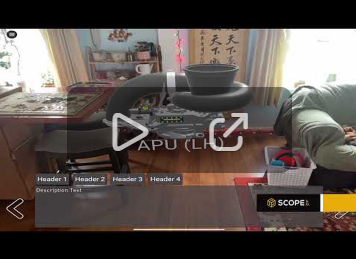
When viewing this published project, you can now interact with that object you can seamlessly jump to that new scenario without needing to leave the original.
Please sign in to leave a comment.
Comments
0 comments