Create Authoring: Including files with AR Instructions

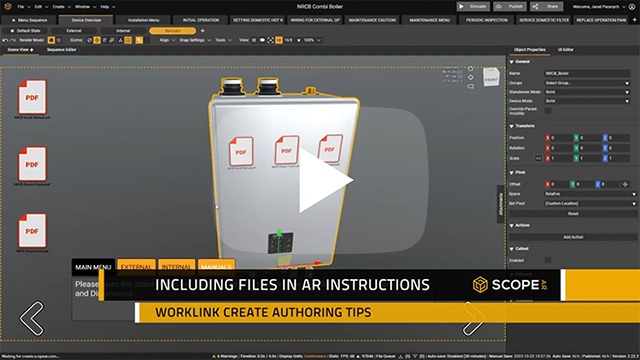
In Create, there are multiple ways to deliver packaged information to your audience apart from using images and video directly in your scene. We can link to external files and websites through an inset URL in the user interface or as a step action URL for an object in AR space. We can also embed files directly into your project through the Attachments window.
Adding URLs are helpful when using documentation that gets updated often and the audience will have online access. URLs will always open using the native web browser on the viewers device.
When choosing to embed a file, easily add them through the attachment window. Once added, a tab will show on the right hand side of the screen that reveals any added files. All attachments are included as is once the project is published.
Files that you can attach include:
- Images ( PNG, JPG )
- Videos ( MP4 )
- Documents ( PDF, DOC and XLS )
Attached files will be available even in offline environments when running the published scenario and will open using the native application for the file type.
Please sign in to leave a comment.
Comments
0 comments