Introducing WorkLink Create 2.15.0

2.15.0 comes with several exciting new updates, the highlights are:
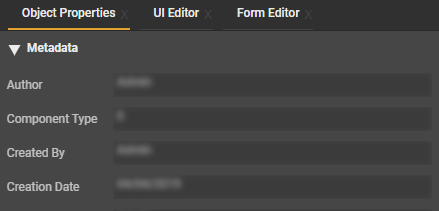
Display of metadata
Metadata can now be found the Object Properties for CAD data containing it. more info
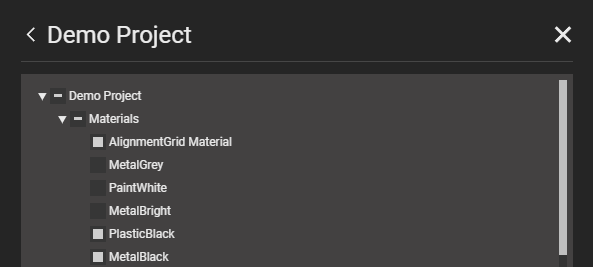
Import UI templates and materials
You can import UI templates and materials from other projects. more info
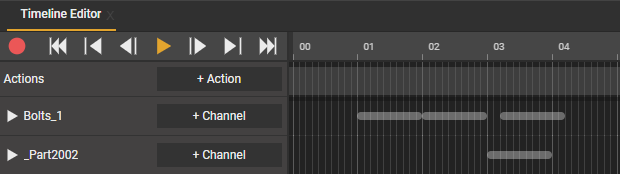
Collapsed timebar visualisation
New visualisation for collapsed objects in the Timeline Editor (alt+click to collapse/expand all)
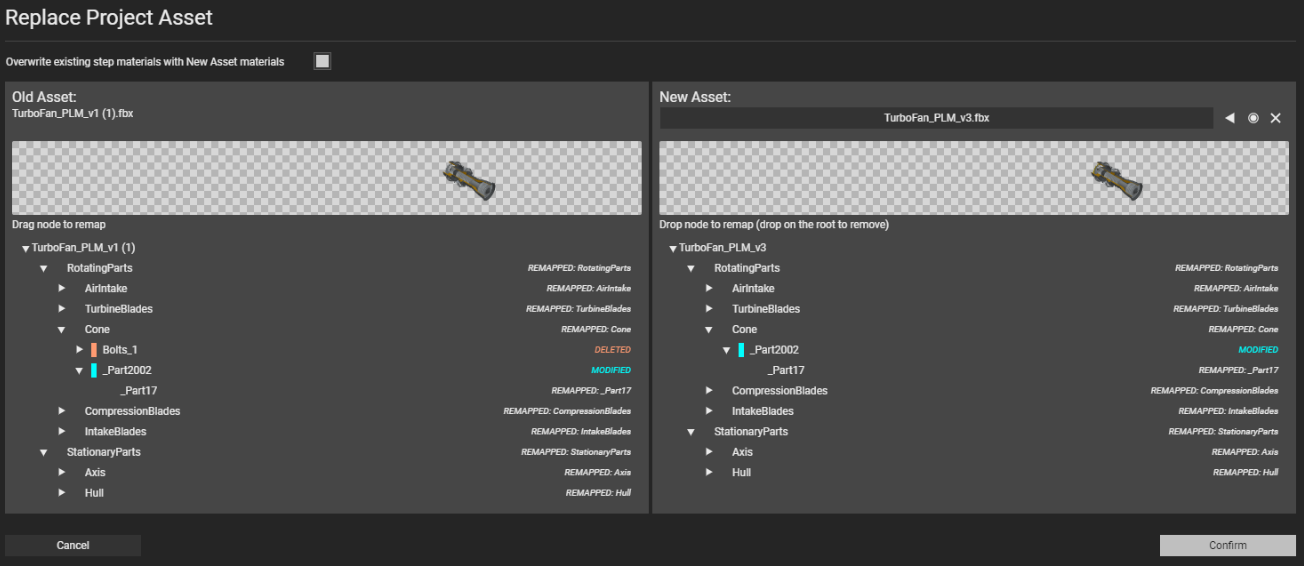
New state for replacing assets
MODIFIED (blue)
DELETED: the node name is not found in the new asset
ADDED: the node name in the new asset did not exist yet in the old asset
MODIFIED: the node is remapped, but the triangle count is different
REMAPPED: there is a match in node name and triangle count
New hotkeys to select all time bars
All time bars before (Alt+, (<)) and all time bars after (Alt+. (>)) the current time.
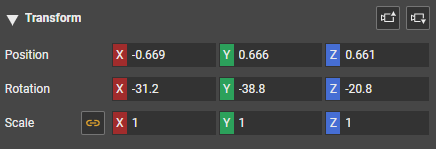
New camera button
Allows you to apply the position and angle of a camera to the Scene View
Full release notes, including new features, improvements and bugfixes can be found here.
-

Regarding UI Templates
I just ran into an issue that involves UI Templates being overwritten. I created a UI Template that was used in many steps. I determined that I wanted to add another attribute (Options) to the template after creating many instances of the UI Template. After editing the template and saving, it overwrote all the changes to the individual instances of the template in each step instead of adding the new change and keeping all the other instance changes. This is worrisome because that means if I use the template for many projects and then sometime in the future, the template gets updated, it will overwrite all changes made to each instance of the UI Template (Erasing all work that has been done on each instance of the UI Template). Is there a way to lock the templates or save instance changes so that if a change is made to the template, it does not remove/change everything else?0 -
Hello Brendan Chase Thank you for your post. This will be addressed on your open support ticket with us - Ticket 7806. You will receive an update soon on this ticket. Thank you
0

Please sign in to leave a comment.
Comments
2 comments